
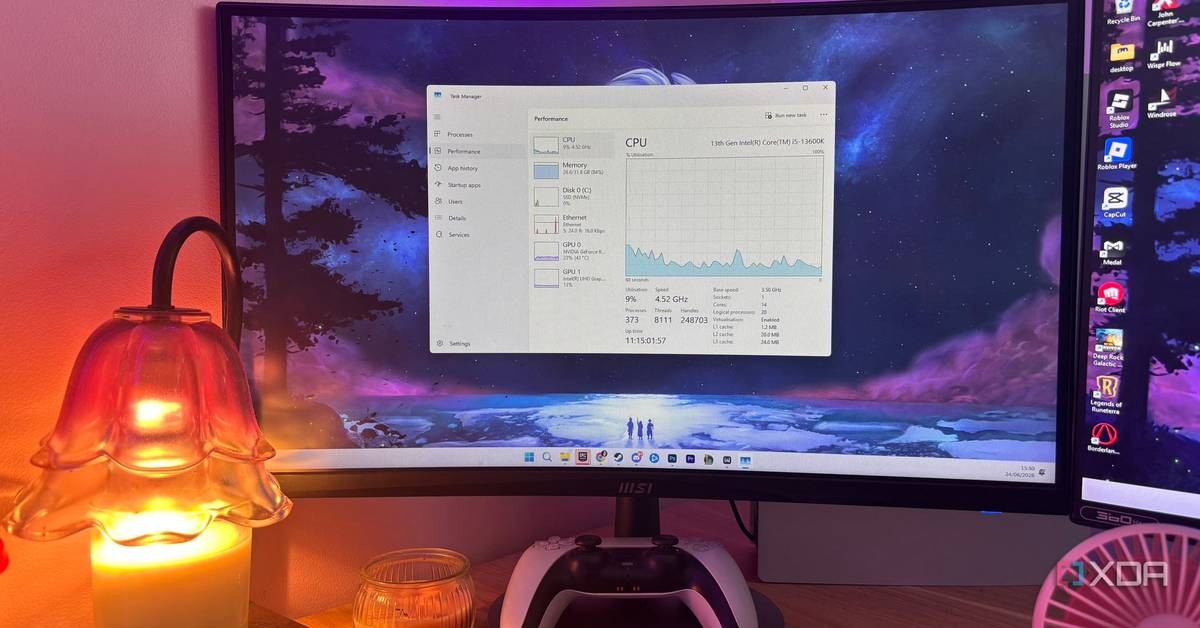
Windows 11 still ships with Spectre protections turned on by default, and Microsoft has never made a secret of the price: raw performance. A report published by XDA-Developers on October 28, 2026 explains that users can switch those protections off with a simple registry tweak, but doing so trades speed for real security exposure, and the trade gets worse the newer your CPU is.
Here is the plain truth for every American who owns a PC. The federal bureaucracy is not the only thing slowing you down. Sometimes it is your own operating system, quietly taxing your processor in the name of safety.
What Spectre actually does to your PC
Spectre is a family of attacks uncovered in 2018 that targeted speculative execution, the technique virtually every modern CPU uses to guess where code will go next. Attackers can read the traces those wrong guesses leave behind and, in the worst cases, infer sensitive data, including kernel secrets.
Microsoft responded by shipping mitigations in Windows that restrict speculation at the boundary between applications and the kernel. The cost shows up every time a program hands work to the operating system. Storage-heavy tasks and code compiling feel it most; pure CPU-bound workloads barely notice.
Microsoft's own 2018 testing, cited by XDA-Developers' report on Windows 11 performance, showed single-digit slowdowns on Skylake or newer Intel processors, and larger drops on Haswell and older hardware.
The registry tweak everyone talks about
The registry value FeatureSettingsOverride controls which mitigations run. Setting it to 1 disables only the Spectre variant 2 mitigation, the expensive one. Setting it to 3, the value most commonly shared online, also kills Meltdown protection. Free utilities exist for those who would rather not touch regedit.
Be careful out there. As Google News reported on dangerous Windows settings, disabling core protections and updates leaves known vulnerabilities unpatched and hands attackers openings Microsoft already worked to close. Liberty means responsibility, not carelessness.
Is the risk real or theoretical?
Real. In 2021, researcher Julien Voisin found working Spectre exploits for Windows and Linux uploaded to VirusTotal, traced back to Immunity's commercial penetration-testing platform, Canvas. In 2024, researchers at Vrije Universiteit Amsterdam demonstrated an attack called Native BHI that leaked kernel memory on Intel Linux systems despite the defenses in place. Microsoft keeps publishing guidance for newer variants.
The catch is that malicious code must already be running on your machine for these exploits to work. A dedicated gaming rig or a living-room media box that never runs suspicious software faces little practical danger.
Newer CPUs barely gain anything
This is where the story turns against the tinkerers. Modern chips from AMD and Intel fix some of these flaws directly in silicon, and Windows moved to lower-overhead techniques like retpoline back in 2019. On a recent Ryzen or Intel processor, disabling the mitigation probably will not produce any measurable gain.
On a decade-old processor, the tweak can return real performance to workloads that cross between components. On a modern one, you hand back your protection for a few benchmark points.
Microsoft also points to Memory Integrity and the Virtual Machine Platform as features that can hurt performance in specific scenarios. Turning those off carries its own security costs. A separate Windows Latest benchmark test on disabling SysMain in Windows 11 found that the common advice to kill that service does not hold up either, with Microsoft support staff recommending users keep the defaults.
The bottom line for PC owners
Microsoft built Windows 11 your way, and plenty of Americans want it rebuilt. Projects like the TBOK-Win11Optimizer on GitHub promise to fix Microsoft's settings without touching security, unlike the Spectre tweak, which touches security directly.
The Spectre mitigations are not a scam. They are there because criminals found a way into the heart of your processor, and Microsoft patched the door. If you run an old CPU with heavy kernel-crossing workloads, the tweak may buy you honest speed. If you run a modern machine, leave the registry alone and spend your time on something that pays.
Frequently asked questions
Does disabling Spectre mitigations speed up Windows 11?
Only on older CPUs. On processors from roughly the last decade, the gain is usually a few benchmark points at most, because newer chips fix the flaws in silicon.
What registry value disables Spectre variant 2 only?
Setting FeatureSettingsOverride to 1 turns off only the Spectre variant 2 mitigation. A value of 3 also disables Meltdown protection.
Is turning off Spectre protection dangerous?
It can be. Working Spectre exploits were found on VirusTotal in 2021, and researchers demonstrated a bypass called Native BHI in 2024. The risk requires malicious code already running on your PC.
Who benefits most from disabling the mitigations?
Owners of decade-old processors running storage-heavy or compiling workloads, where kernel crossings are frequent. Everyone else gains almost nothing.