
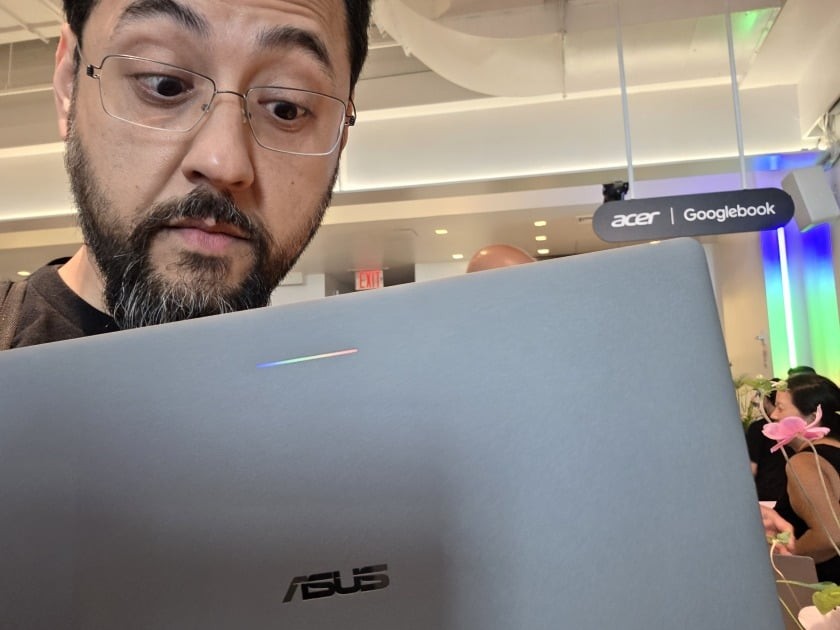
Google promised the Googlebook would be Android's perfect partner. On October 18, 2026, PC Magazine published a hands-on review that says otherwise: the new laptop class runs, stumbles, and forces users back to their phones.
Reviewer tests of the Asus Googlebook 14, an Intel machine with a 14-inch touch screen, found an operating system that cannot handle basic tasks, blocks rival browsers, and ships with an AI assistant that talks a big game but rarely delivers.
What Went Wrong With the Googlebook?
According to PC Magazine, the trouble started with search, of all things. Typing mail into the Googlebook's launcher returned web results instead of the Gmail app. The fix was to type the full word Gmail. This from the company that built its empire on search.
The Gmail app on the laptop behaves like a browser tab. There is no All inboxes option like the one on the phone app, so users must switch accounts one at a time to see work and personal email.
Samsung phone owners got a rougher deal. At launch, Googlebooks did not support pairing with Samsung devices, and Samsung Notes was missing from the Play Store. The reviewer had to build a sideload APK just to try installing it, and the machine replied with App not installed. Google has since fixed the issue, but first impressions matter.
App casting, the flagship feature that lets you run phone apps on the laptop, worked with a Pixel 11 Pro. Sort of. Several apps, including an authenticator, were blocked for security reasons, which means reaching for the phone anyway. At that point, PC Magazine wrote, the reviewer should have just used the phone.
Freedom of Choice? Not on Google's Watch
Here is where it gets personal for anyone who values choice. The Googlebook version of Brave, the privacy-first browser, does not support extensions or vertical tabs, and it crashed after half a day. Microsoft Edge would not get past the splash screen. The only browser that works properly is Chrome, Google's own product, complete with extensions and vertical tabs.
So much for an open platform. You can pick any browser you want, as long as it's Chrome.
The file system did not fare better. Moving 30GB from Google Drive through the built-in Files app failed repeatedly. A third-party tool, Solid Explorer, finished the job without complaint. When independent software beats the manufacturer's own apps on the manufacturer's own hardware, something is broken at the core.
Gemini: All Talk, Little Action
Google leans hard on Gemini as the Googlebook's crown jewel, and a G+Spacebar shortcut summons it on demand. PC Magazine asked it to do real work. The results were poor.
- Renaming files: failed.
- Installing Fantastical Calendar from the Play Store: Gemini handed over a link and made the user do the install.
- Finding screenshots: it opened Google Photos instead.
- Turning on dark mode: it opened the right settings pane, then made the user flip the switch.
- Browsing local storage: refused, replying that it cannot search files directly.
The AI, in other words, is a tour guide that points at doors and asks you to open them yourself. That is not innovation. That is a chatbot wearing a work uniform.
Other Reviewers Agree: The Hardware Is Fine, the Software Is Not
PC Magazine is not alone. Tom's Hardware tested Googlebooks from Dell, Lenovo, and HP and reached the same verdict: nice hardware, but the OS is not ready yet. The outlet also noted that while Googlebooks ship with at least 16GB of RAM, task managers show 7 to 8GB permanently in use, likely to keep local AI models on standby, whether you asked for them or not.
Android Police spent hours running Googlebook OS and reported a bigger worry: Google's own Android apps do not make good use of the larger screen, keyboard, and trackpad. If Google is not confident in its own apps on the platform, the outlet asked, why should buyers be?
ZDNET's week with the new machines found promise but also friction, including a prompt to download AI models that the company estimated would take up to 60 minutes just to send a photo from phone to laptop.
Wikipedia's entry on the system notes Googlebook OS, codenamed Aluminium OS, is a fusion of Android and ChromeOS built with Google DeepMind, and that it competes primarily with Microsoft's Windows.
Who Is This Machine For?
PC Magazine's reviewer, a veteran of computing since the MS-DOS days, concluded the Googlebook feels built for someone whose first computer was a smartphone. That is an honest read. Users who want control over their machines, real file management, and software that respects their choices will find Windows still does the job. If you doubt that, look at how fast a